How we help — UrmiaSmart
We start with you, not with the technology
A simple conversation
Tell us what worries you or what you'd like. Together we'll work out whether you need technology at all, and if so, which. The first conversation is free.
A device for your task
If the device you need doesn't exist, we'll invent it: the circuit, the technical description and the documentation for manufacturing.
A home where you feel at ease
Light, heating, security, gas and water control. We design it so it's easy for everyone in the family, from children to grandparents. A complete project, or a review and improvement of what you already have.
Here are all the devices of the smart room you can try on the “Try it yourself” page. Each one works on its own, and together they are controlled from a stationary control panel installed in the home and from a phone.
Main control remoteOne screen from which everything in the house can be seen and controlled: light, curtains, window blackout, climate, home safety (lock, cameras, gas, water and smoke sensors), TV and music, kitchen appliances, sockets, pool, jacuzzi and fountain. You can switch a device on and off, make it louder or quieter, brighter or dimmer, without running around the rooms or looking for the right app.In the demo the remote hangs on the wall to the right of the TV. Tap it and a large screen with all the devices opens. You can return with the “Go back” button.One screen from which everything in the house can be seen and controlled: light, curtains, window blackout, climate, home safety (lock, cameras, gas, water and smoke sensors), TV and music, kitchen appliances, sockets, pool, jacuzzi and fountain. You can switch a device on and off, make it louder or quieter, brighter or dimmer, without running around the rooms or looking for the right app.
Lighting and scenesBrightness, light colour and ready-made scenes: Bright, Evening, Cinema, Night.By voice: Turn on the light Turn off the light Dim the lightControlled from your phone, from the remote and by voice. In the demo it also switches on by tapping the device itself.Brightness, light colour and ready-made scenes: Bright, Evening, Cinema, Night.
Floor lamp“Lamp only” mode: the other lights go out and only the floor lamp stays on.By voice: Turn on the floor lamp Turn off the floor lampControlled from your phone, from the remote and by voice. In the demo it also switches on by tapping the device itself.“Lamp only” mode: the other lights go out and only the floor lamp stays on.
CurtainsClose and open with a tap, from the remote or by voice.By voice: Close the curtains Open the curtainsControlled from your phone, from the remote and by voice. In the demo it also switches on by tapping the device itself.Close and open with a tap, from the remote or by voice.
Window blackoutA special electrically controlled film on the glass: one tap darkens the windows, another makes them clear again.By voice: Tint the windows Clear the tintControlled from your phone, from the remote and by voice. In the demo it also switches on by tapping the device itself.A special electrically controlled film on the glass: one tap darkens the windows, another makes them clear again.
Sofa and blanket heatingStarts with a tap. When the right temperature is reached, the heating switches itself off.By voice: Heat the sofa Warm the blanketControlled from your phone, from the remote and by voice. In the demo it also switches on by tapping the device itself.Starts with a tap. When the right temperature is reached, the heating switches itself off.
ClimateThe room temperature is set from the remote and shown on the screen.By voice: Turn on the climate Turn off the climate Warm it up to 24 degrees Cool it down to 20 degreesControlled from your phone, from the remote and by voice. In the demo it also switches on by tapping the device itself.The room temperature is set from the remote and shown on the screen.
Air qualityA sensor shows how clean the air is. If the air is poor, the windows close and the air purifier starts.By voice: Clean the airControlled from your phone, from the remote and by voice. In the demo it also switches on by tapping the device itself.A sensor shows how clean the air is. If the air is poor, the windows close and the air purifier starts.
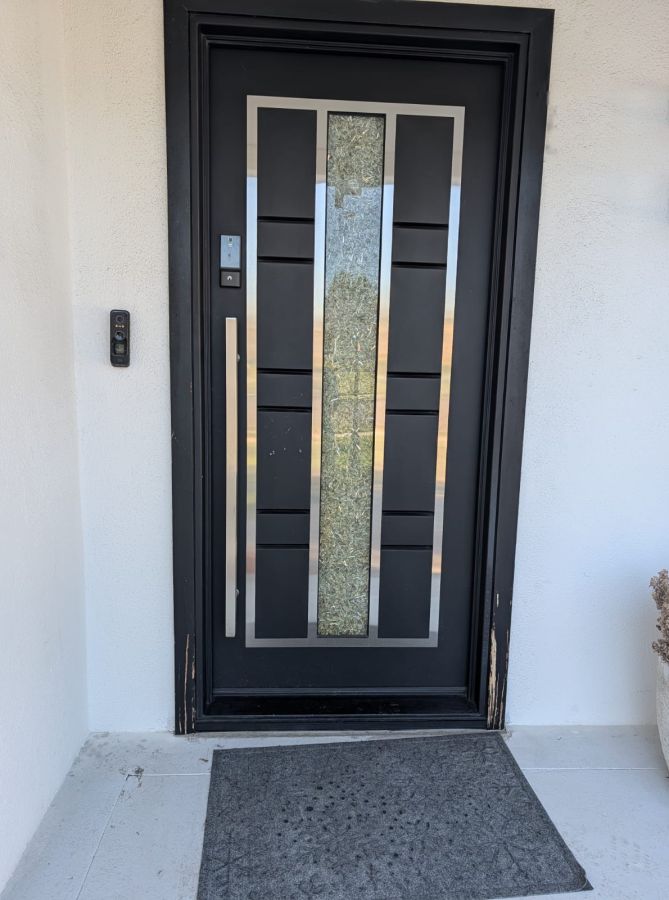
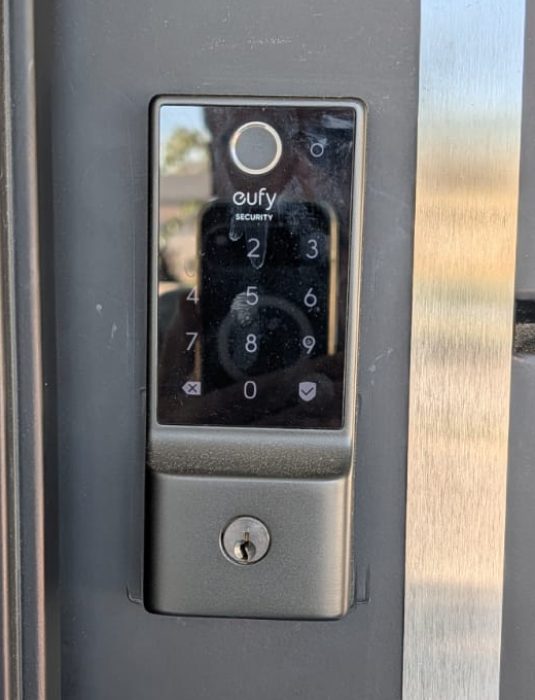
Door lockThe door locks and unlocks from the remote; its state is shown on the panel.By voice: Lock the door Unlock the doorControlled from your phone, from the remote and by voice. In the demo it also switches on by tapping the device itself.The door locks and unlocks from the remote; its state is shown on the panel.
Smoke detectors and fire sprinklersCeiling detectors notice smoke and raise the alarm, and water is sprayed from them for a few seconds.By voice: Fire Cancel the fireControlled from your phone, from the remote and by voice. In the demo it also switches on by tapping the device itself.Ceiling detectors notice smoke and raise the alarm, and water is sprayed from them for a few seconds.
Gas and water sensorsIn case of a leak the supply is shut off and you receive a message.By voice: Gas leak Open the gas Water leak Open the waterControlled from your phone, from the remote and by voice. In the demo it also switches on by tapping the device itself.In case of a leak the supply is shut off and you receive a message.
CamerasThe outdoor camera and the cameras in the house are shown on the TV.By voice: Show the street Turn off the cameraControlled from your phone, from the remote and by voice. In the demo it also switches on by tapping the device itself.The outdoor camera and the cameras in the house are shown on the TV.
IronTurns on from the remote. If it is forgotten, it switches itself off.By voice: Turn on the iron Turn off the ironControlled from your phone, from the remote and by voice. In the demo it also switches on by tapping the device itself.Turns on from the remote. If it is forgotten, it switches itself off.
Robot vacuumCleans on command and returns to its place by itself.By voice: Start the vacuum Vacuum, go homeControlled from your phone, from the remote and by voice. In the demo it also switches on by tapping the device itself.Cleans on command and returns to its place by itself.
Cat feederOne press turns the feeder on, and every 20 seconds it gives a signal: the cat goes to the bowl, eats and returns to the sofa. Pressing again turns it off completely.By voice: Feed the cat Cat, go backControlled from your phone, from the remote and by voice. In the demo it also switches on by tapping the device itself.One press turns the feeder on, and every 20 seconds it gives a signal: the cat goes to the bowl, eats and returns to the sofa. Pressing again turns it off completely.
Plant auto-wateringOne tap and all the plants in the room are watered.By voice: Water the plantsControlled from your phone, from the remote and by voice. In the demo it also switches on by tapping the device itself.One tap and all the plants in the room are watered.
Coffee machineAn automatic coffee machine: at the time you set, it prepares coffee on its own and tells you when it is ready.By voice: Turn on the coffee machine Turn off the coffee machine Make coffeeControlled from the phone, the wall panel and by voice. In the demo it also turns on by tapping the device itself, and it makes coffee in 30-second cycles.An automatic coffee machine: at the time you set, it prepares coffee on its own and tells you when it is ready.
Smart plugEach socket is controlled separately: the owner can turn it on or off at will, and whatever is plugged into it works only while the socket is on. A socket can also take part in a scenario written by the owner.In the demo an iron is plugged into the socket: while the socket is off, the iron won't turn on. The socket is switched from the device list or by tapping it in the room.Each socket is controlled separately: the owner can turn it on or off at will, and whatever is plugged into it works only while the socket is on. A socket can also take part in a scenario written by the owner.
Mosquito and fly protectionA wall-mounted unit with an ultraviolet lamp and a protective grille: insects fly toward the light and are destroyed inside. No chemicals, no smell.By voice: Turn on mosquito protection Turn off mosquito protectionControlled from your phone, from the remote and by voice. In the demo it also switches on by tapping the device itself.A wall-mounted unit with an ultraviolet lamp and a protective grille: insects fly toward the light and are destroyed inside. No chemicals, no smell.
Energy saverA small device that plugs into a socket. It removes the reactive component of all appliances from the electrical network and leaves only the active part that actually works for you. How much you save depends on your appliances, so we do not promise figures in advance: we measure consumption before and after installation and show you the result.By voice: Turn on the energy saver Turn off the energy saverControlled from your phone, from the remote and by voice. In the demo it also switches on by tapping the device itself.A small device that plugs into a socket. It removes the reactive component of all appliances from the electrical network and leaves only the active part that actually works for you. How much you save depends on your appliances, so we do not promise figures in advance: we measure consumption before and after installation and show you the result.
Mosquito repellerThe device plugs into an ordinary socket and repels mosquitoes without chemicals or smell. It works separately from the wall unit and can be used together with it.By voice: Turn on the mosquito repeller Turn off the mosquito repellerControlled from your phone, from the remote and by voice. In the demo it also switches on by tapping the device itself.The device plugs into an ordinary socket and repels mosquitoes without chemicals or smell. It works separately from the wall unit and can be used together with it.
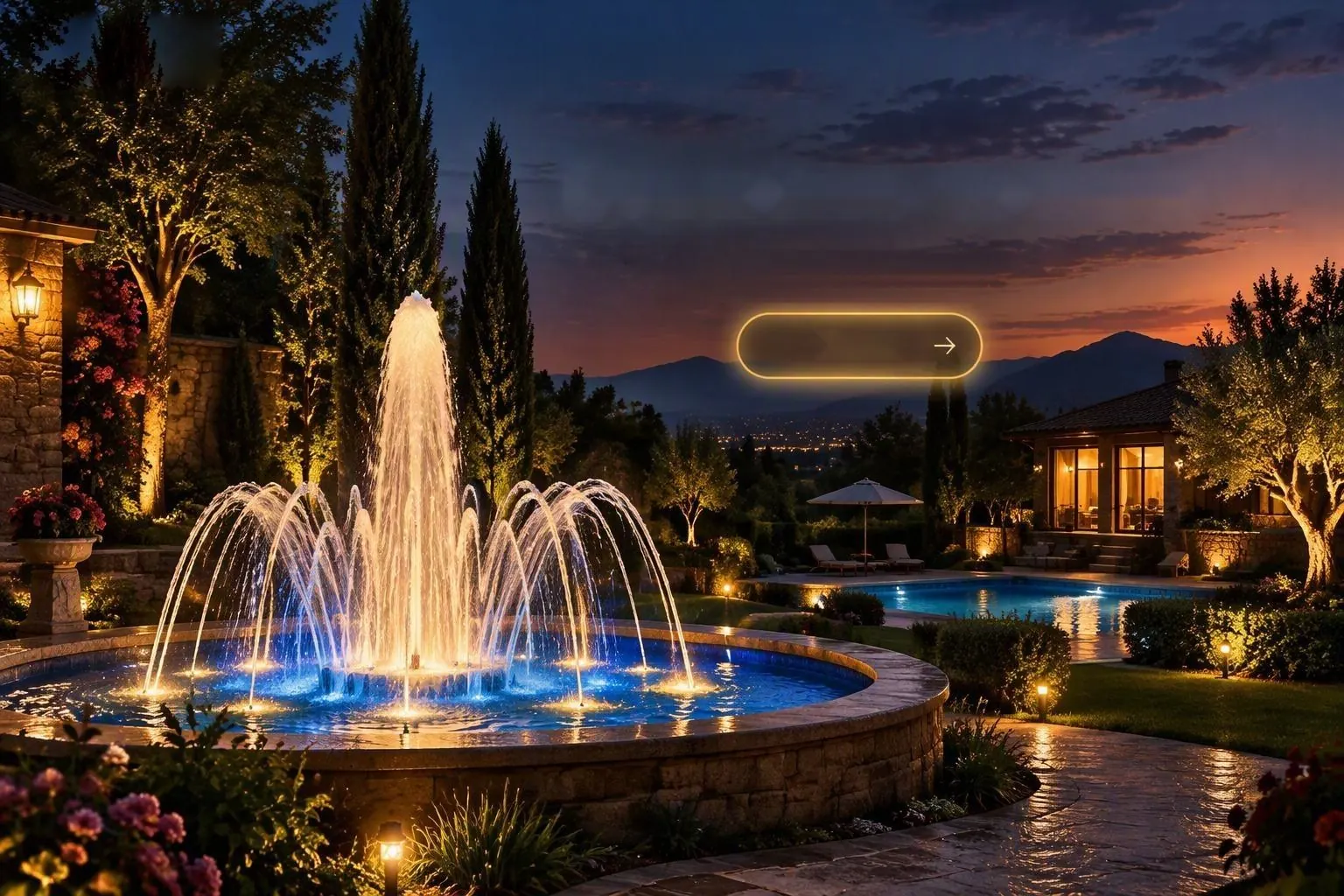
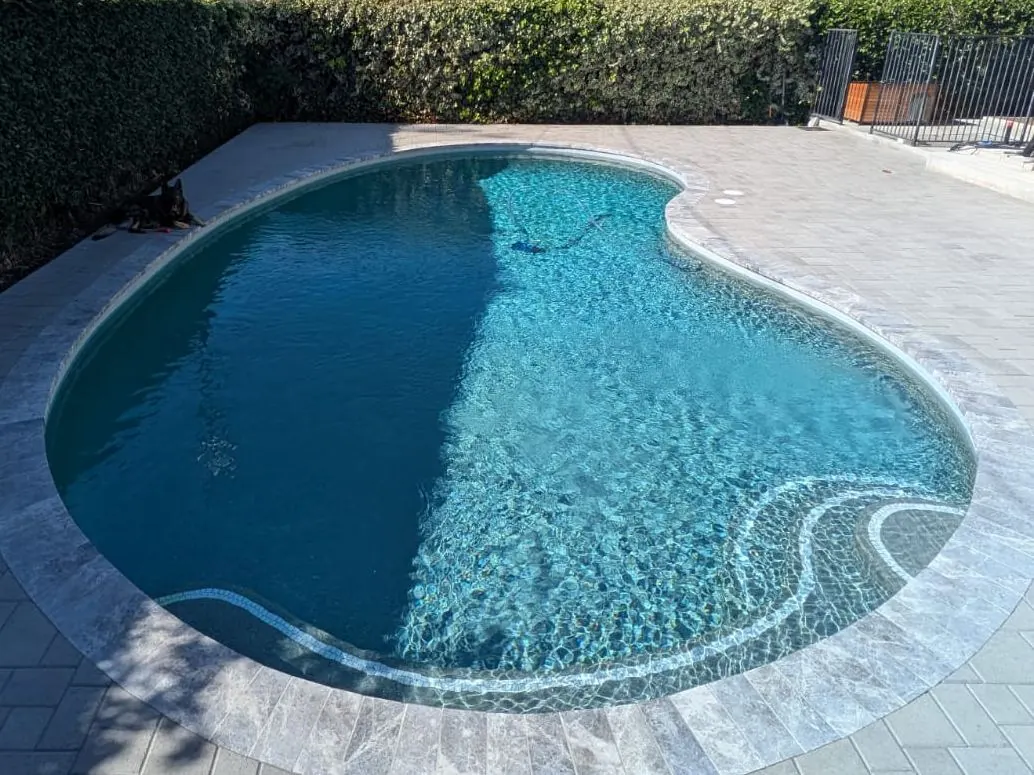
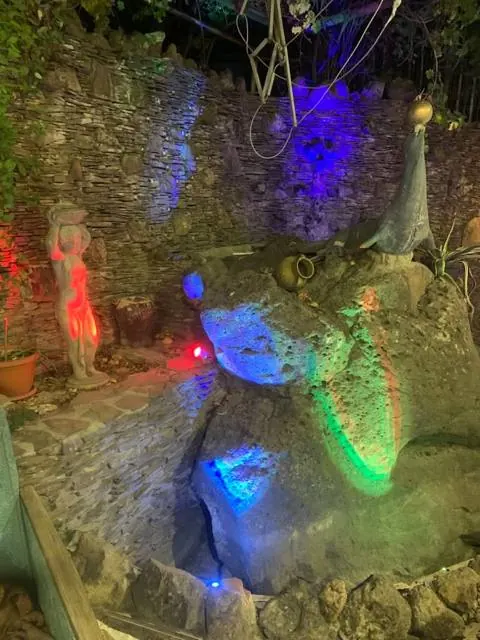
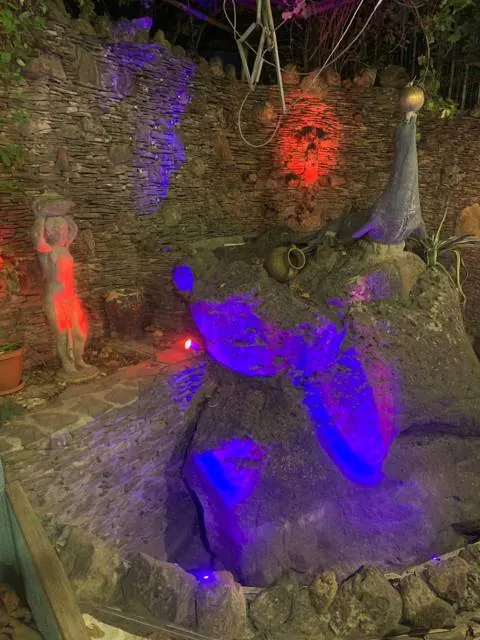
Pool and jacuzziBubbles, temperature and lighting of the jacuzzi, as well as water cleanliness.Jacuzzi: Turn on and off Bubbles Water temperature 28–40° Light colorWater: Auto-doser Measure pHControlled from a phone and a remote: switched on with a switch, bubbles and temperature are set with sliders, color is chosen with circles. The photo shows the pH and water temperature, and the temperature can be changed with the “−” and “+” buttons. The auto-doser adds the needed product by itself if the acidity goes out of the 7.2–7.6 range.Bubbles, temperature and lighting of the jacuzzi, as well as water cleanliness.
TV and musicA TV with channels and volume control. Music switches on and off from the remote.By voice: Turn on the TV Channel 3 Turn on the music Turn off the musicControlled from your phone, from the remote and by voice. In the demo it also switches on by tapping the device itself.A TV with channels and volume control. Music switches on and off from the remote.
Voice controlLights, curtains, climate and other devices can be controlled by voice.By voice: Turn everything offControlled from your phone, from the remote and by voice. In the demo it also switches on by tapping the device itself.Lights, curtains, climate and other devices can be controlled by voice.
Wall panelShows the time and the state of lighting, climate, security, music and scenarios. Through it you can control all the devices on this list, by voice and by tapping.By voice: Turn on the lighting Order a taxi Any command from this listControlled from your phone, from the remote and by voice. In the demo it also switches on by tapping the device itself.Shows the time and the state of lighting, climate, security, music and scenarios. Through it you can control all the devices on this list, by voice and by tapping.
Say a command into the microphone or type it in the smart room command line.
Voice commands
UrmiaSmart